


Privacy policy for iPhone and Android: what the app reads, and what never leaves the phone.
What no phone app can do
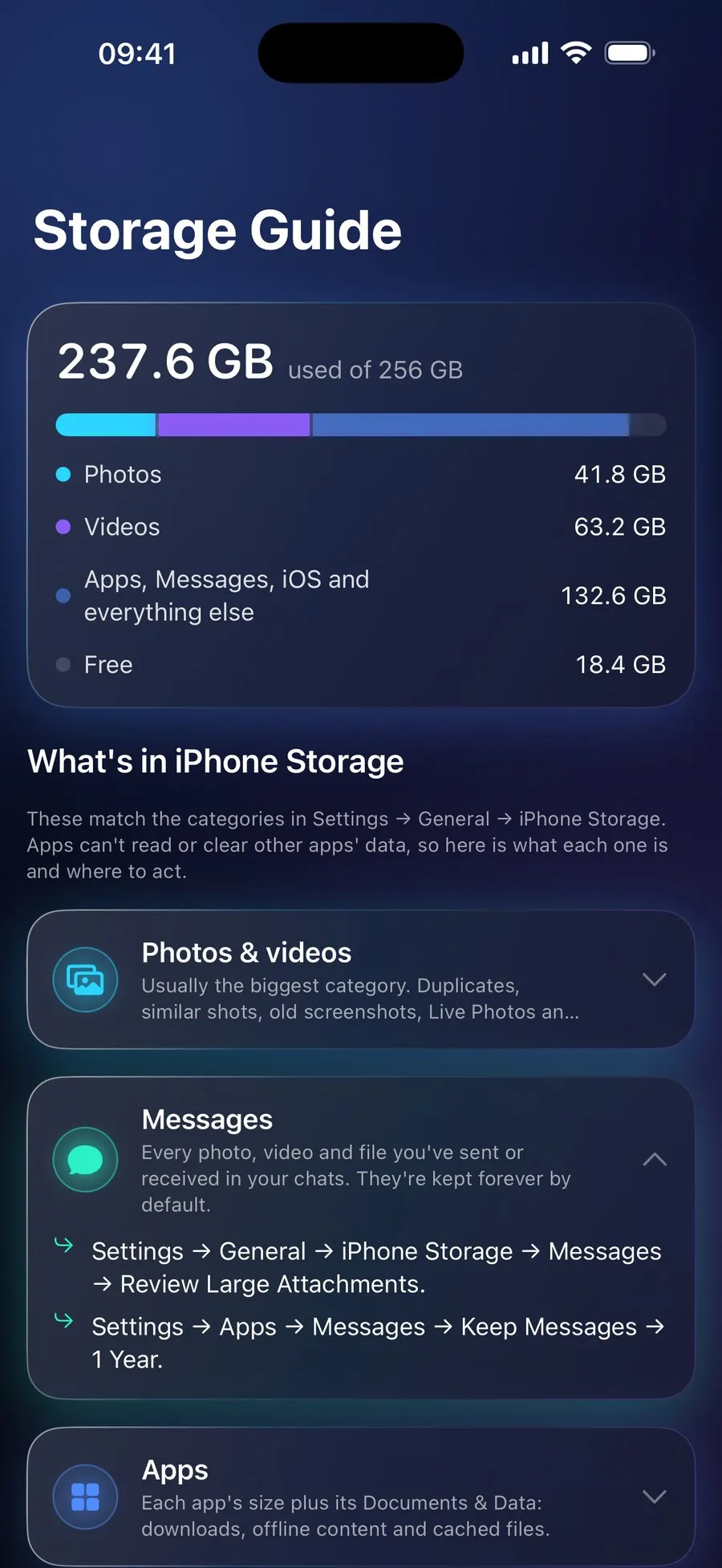
iOS and Android both keep every app sealed off from the others, so no app on the App Store or Google Play, this one included, can clear another app's cache, remove "junk files", empty System Data, free memory or speed up your phone. Apps that claim to are describing something they cannot do. RefreshMyPhone works on what an app is allowed to reach, your photos, videos and the folders you choose, and tells you how to deal with the rest yourself. What System Data is, and what helps.
Price
The same on iPhone and Android. Free to download, scan and see what could be freed, and Smart Settings and the Storage Guide are free. A subscription of €9.99 a year unlocks every clean-up: deleting, compressing videos, Live Photos and motion photos, moving videos to iCloud Drive on iPhone, and swipe sessions. No adverts. It renews each year unless you cancel it before it renews: on iPhone in Settings → [your name] → Subscriptions, at least 24 hours before the end of the period, and on Android in the Play Store under your profile → Payments and subscriptions → Subscriptions. Prices in other currencies vary by country.
Questions
How do I free up space on my phone?
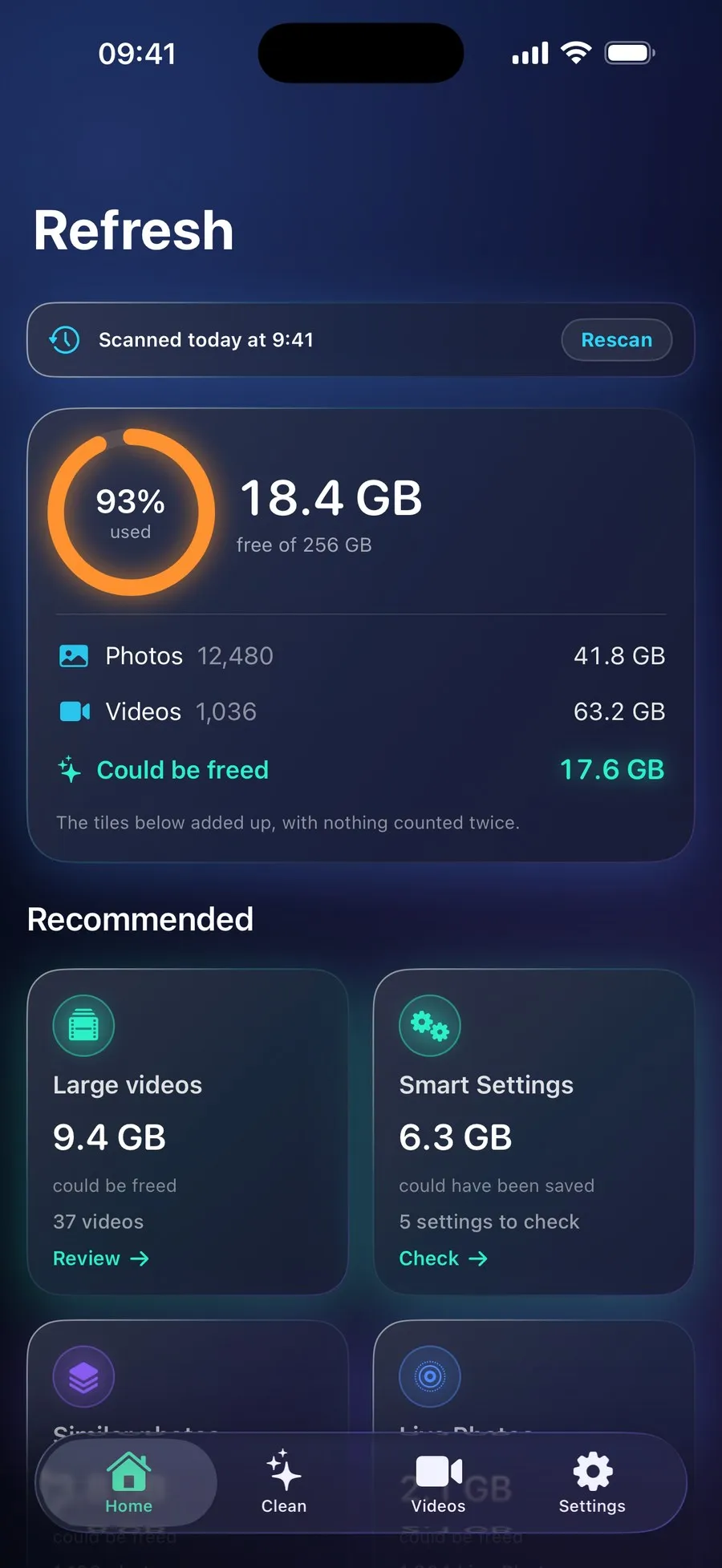
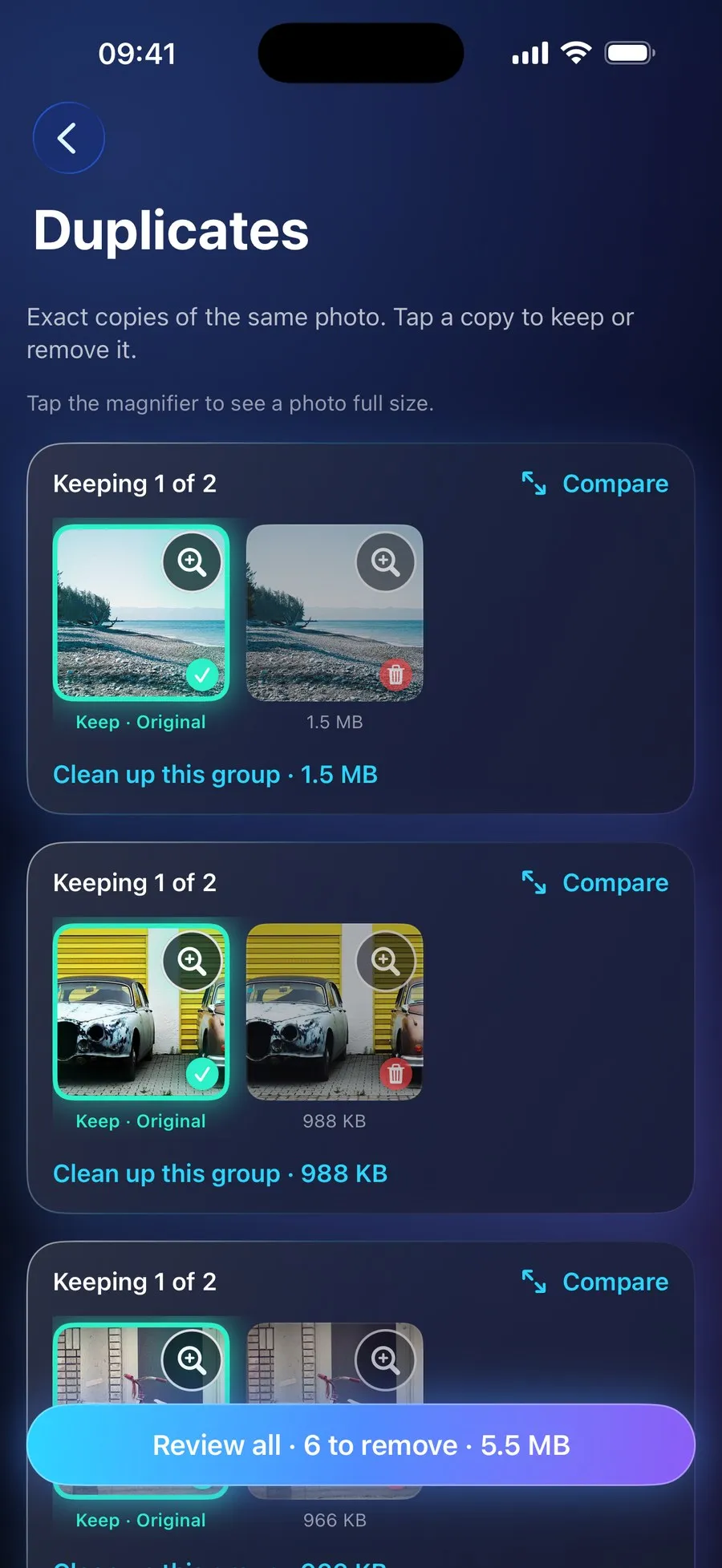
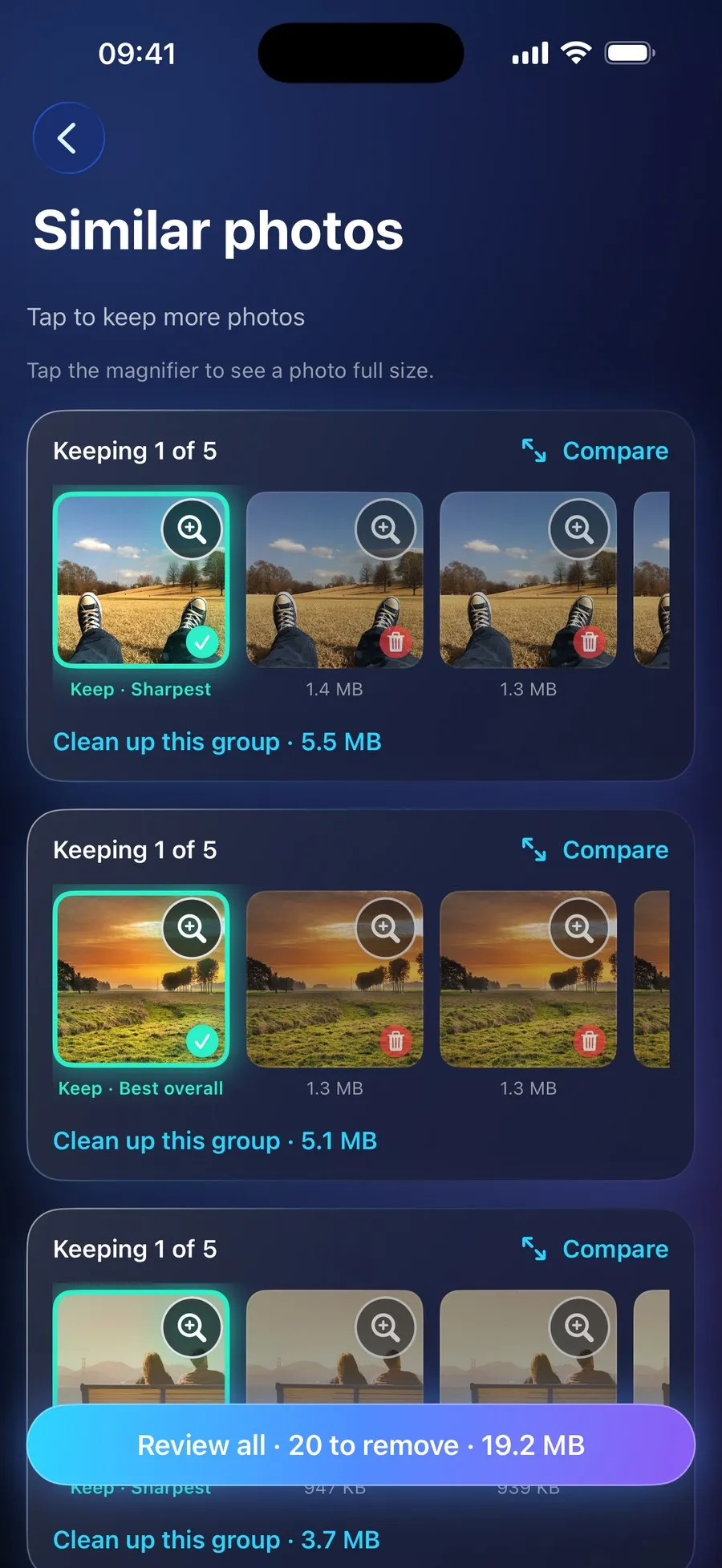
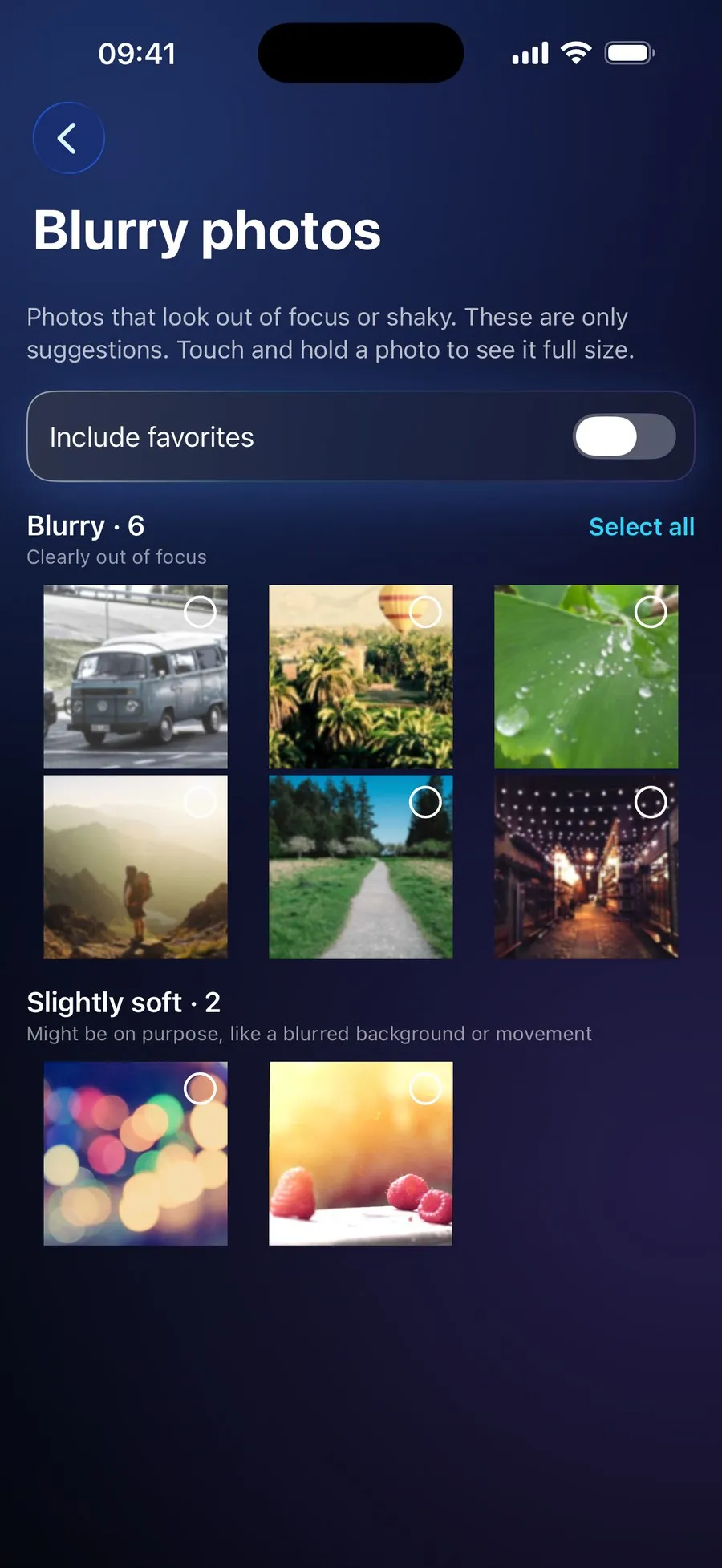
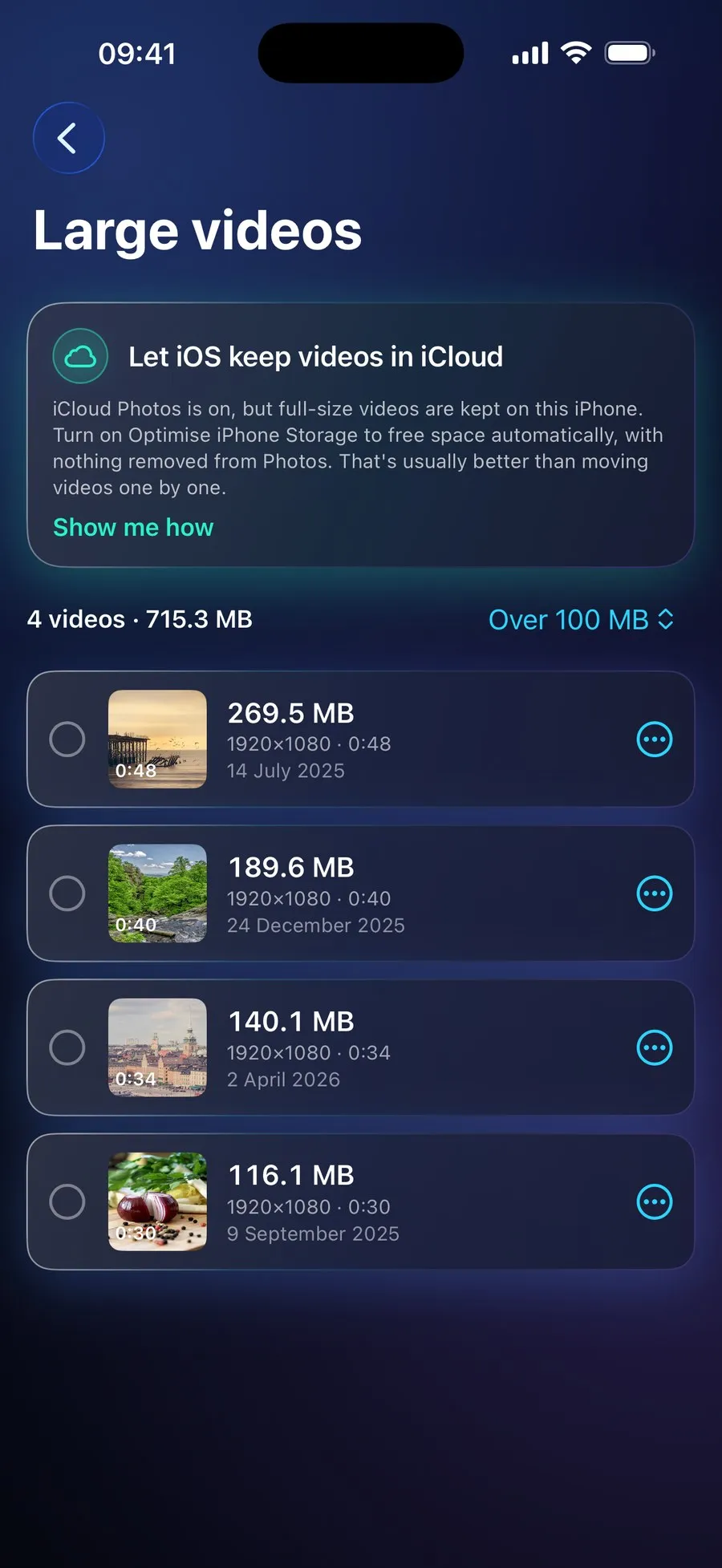
Start with your phone's storage settings to see what is using it: on an iPhone, Settings → General → iPhone Storage; on Android, Settings → Storage, or Battery and device care → Storage on a Samsung. On most phones it is photos and videos. RefreshMyPhone finds the duplicates, similar shots, blurry photos, old screenshots and large videos among them, shows how much each clean-up would free, and removes nothing until you confirm.
Is RefreshMyPhone free?
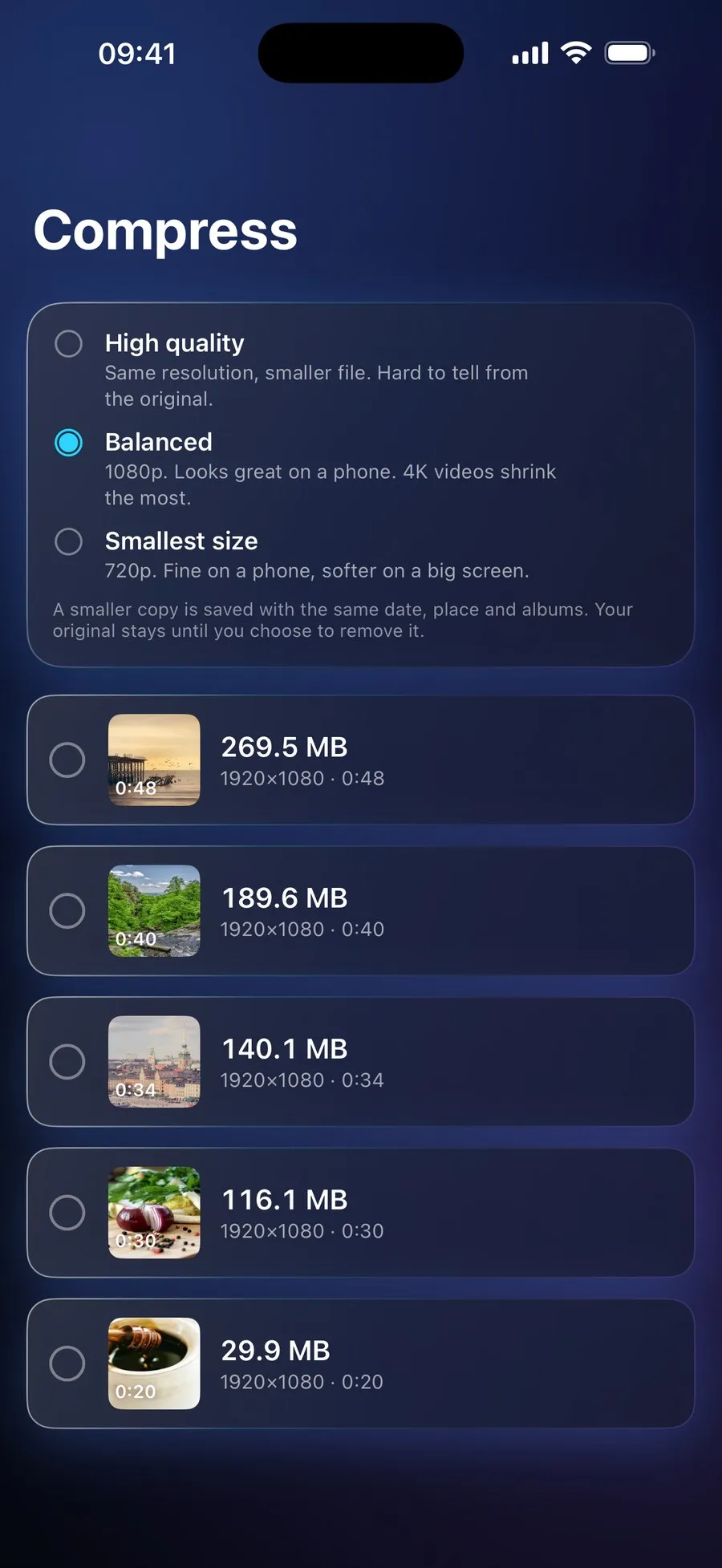
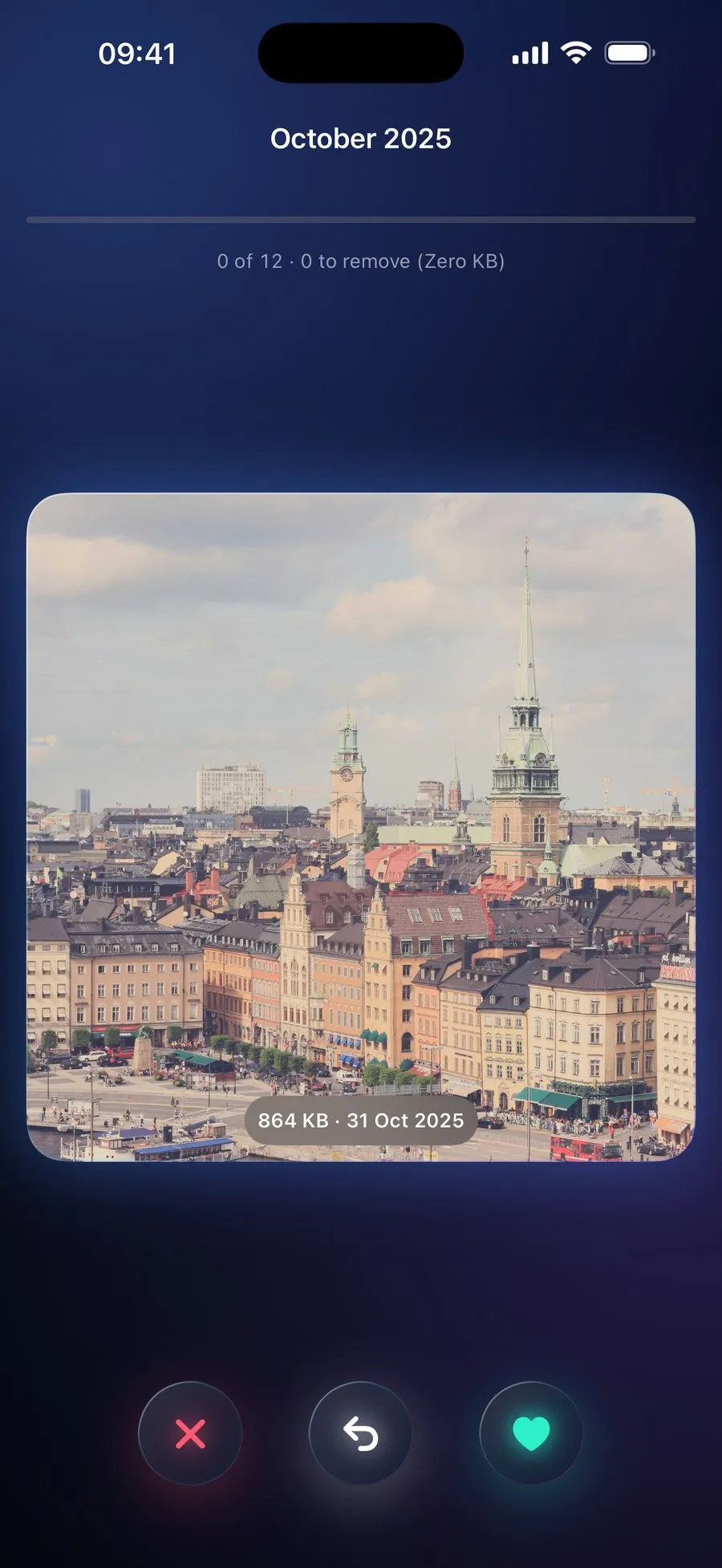
Downloading it, scanning and seeing what could be freed are free, and so are Smart Settings and the Storage Guide. A subscription of €9.99 a year, the same on iPhone and Android, unlocks every clean-up: deleting, compressing videos, Live Photos and motion photos, moving videos to iCloud Drive on iPhone, and swipe sessions. The yearly plan starts with a 7-day free trial for new subscribers: on Google Play now, and on the App Store from 16 November.
Does it upload my photos?
No. Your photos are analysed on your phone. Nothing is uploaded, there is no account, and there are no adverts. The Android app has no internet access at all.
Can I get back a photo I deleted?
Yes, for 30 days. On iPhone, deleted photos and videos go to Recently Deleted in the Photos app; on Android, to the bin your gallery app shows, such as the Recycle bin in Samsung Gallery. It is the same as deleting them yourself.
Can it clear System Data or other apps' caches?
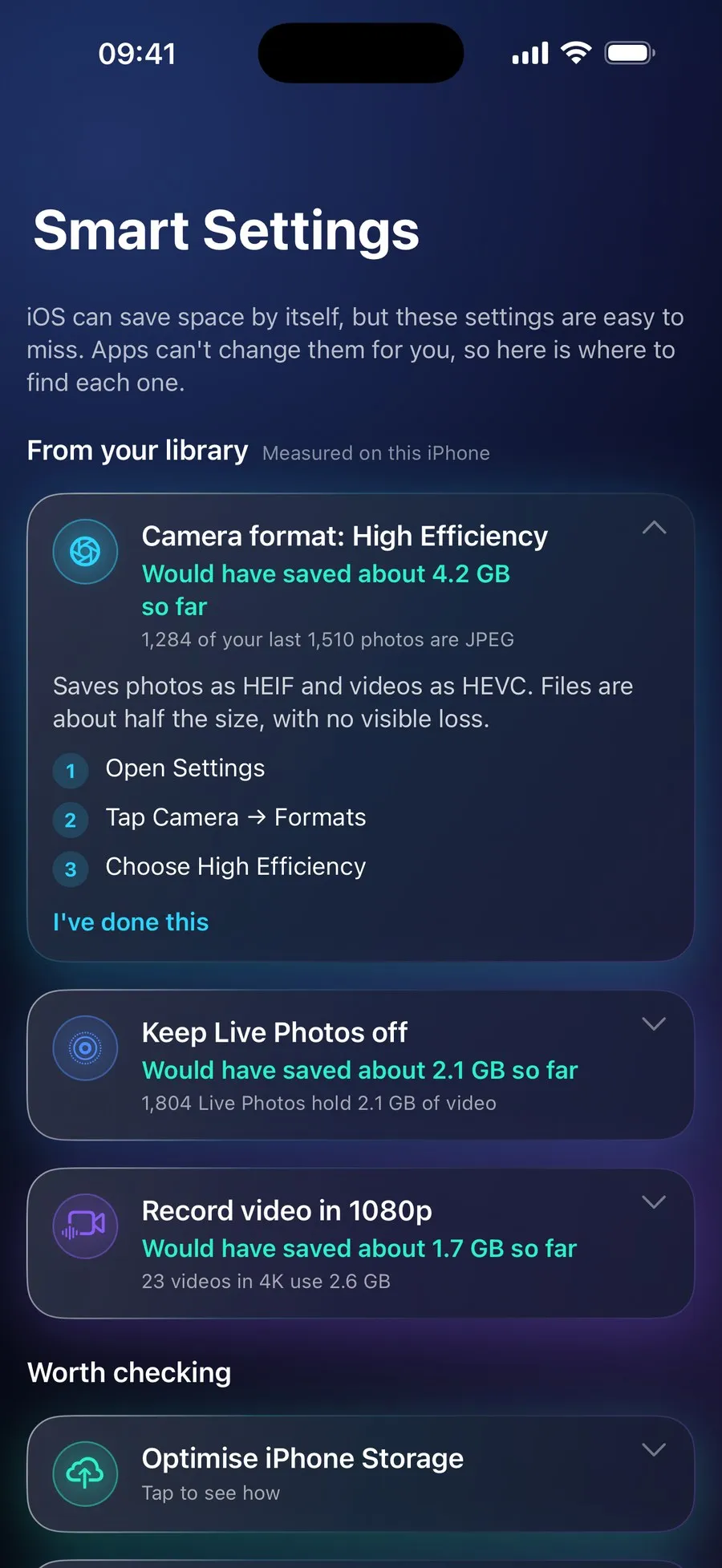
No, and no app on the App Store or Google Play can: iOS and Android keep every app sealed off from the others. RefreshMyPhone works on what an app is allowed to reach, your photos, videos and the folders you choose, and its Storage Guide tells you how to deal with the rest yourself.
Which phones does it run on?
Any iPhone with iOS 17 or later, and Android phones with Android 11 or later.
Help and the small print
- Support: ask a question or report a problem
- Privacy policy for RefreshMyPhone on iPhone and Android
- Terms of use: on iPhone, Apple's standard licence agreement for App Store apps; on Android, the Google Play Terms of Service