
Live Photos on iPhone: why so short, and how to save space
A Live Photo is a still and the 1.5 seconds before and after it, about three seconds of video, so it takes roughly twice the space. Turn Live off in the Camera for new photos, and for existing ones duplicate them as a still photo and delete the original.
Why Live Photos are so short
Your iPhone records what happens 1.5 seconds before and 1.5 seconds after you take the picture, so a Live Photo plays for about three seconds. That length is fixed: for anything longer, record a video.
If one plays for less, it may have been trimmed: in Edit, the ends of the frame viewer can be dragged in to shorten it, which is also how to make a Live Photo shorter. To share it as a video, open it, tap the More button at the top right, then Save as Video.
Stop taking them
- In the Camera, tap the Live button (the circles) so it is crossed out.
- So it stays off, go to Settings → Apps → Camera → Preserve Settings (Settings → Camera on iOS 17) and turn on Live Photo.
Keep just the still of an existing Live Photo
- Open the Live Photo in Photos.
- Tap the ••• button, then Duplicate, then Duplicate as Still Photo.
- Delete the original Live Photo.
Turning Live off in Edit doesn't save space: the video is kept so you can turn it back on.
Questions
Why are my Live Photos so short?
A Live Photo records 1.5 seconds before and 1.5 seconds after you take the picture, about three seconds in all, and that length is fixed. For anything longer, record a video.
How do I make a Live Photo shorter?
Open it in Photos, tap Edit, then the Live Photo button, and drag either end of the frame viewer to choose the frames it plays.
Do Live Photos take more space?
Yes, roughly twice a still photo, because each one is a picture and a short video. Turning Live off in Edit keeps the video so you can turn it back on; Duplicate as Still Photo, then deleting the original, is what frees the space.
With RefreshMyPhone
RefreshMyPhone can convert your Live Photos: it keeps the picture and drops the short video, and the copy keeps the original's date, place, favourite and albums.
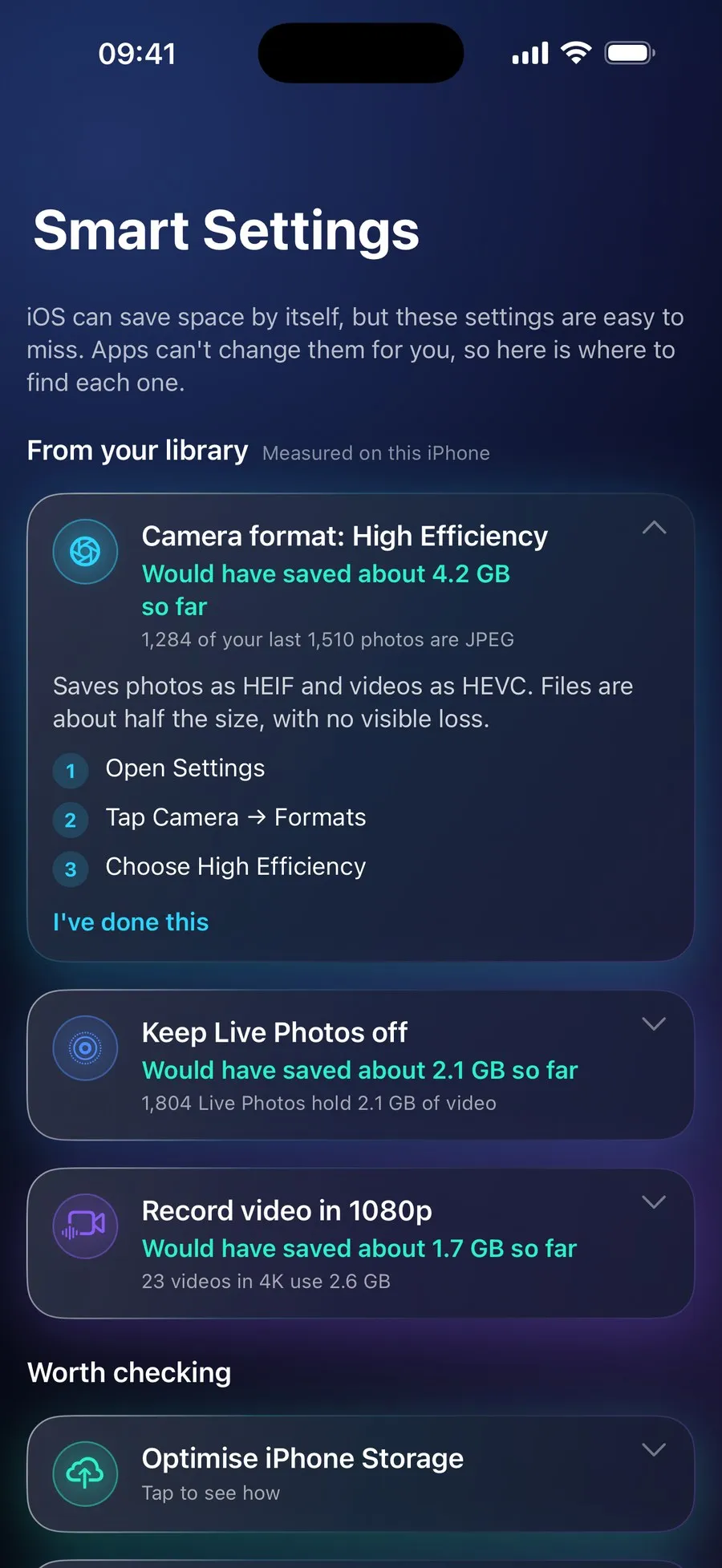
Its Smart Settings show how much space Live Photos would have saved on your iPhone, from your own library.


On the App Store and Google Play (as Refresh: Photo & Video Cleanup). Free to scan; €9.99 a year unlocks every clean-up. The yearly plan starts with a 7-day free trial for new subscribers: on Google Play now, and on the App Store from 16 November.