
What is System Data on iPhone, and can you clear it?
System Data is caches, logs, temporary files and other things iOS keeps for itself. It grows and shrinks on its own: iOS removes cached and temporary files when it needs the space, and no App Store app can clear it, whatever it claims. Restarting your iPhone, clearing Safari's data and updating iOS are the things that help.
See how big it is
- Open Settings → General → iPhone Storage.
- Wait for the bar at the top to fill in, then scroll to the end of the list of apps, where iOS and System Data are listed with their sizes.
What it is
In Settings → General → iPhone Storage, System Data is everything iOS doesn't put under an app: system caches, logs, voices and fonts it has downloaded, streamed media it is holding. It is often a few gigabytes and can briefly be much more.
Apple lists what is in it: Siri voices, fonts, dictionaries, logs and caches that can't be removed, the Spotlight search index, and system data such as the Keychain. Music, video and photos you stream or view are cached so they load faster next time, and your iPhone removes those files when it needs more space.
iOS and System Data are not the same
iOS is the operating system itself. Apple says its size varies with the device and model, and it isn't something you can clear. System Data is what iOS keeps around while it runs, and that part does go up and down.
Why no app can clear it
iOS keeps every app sealed off from the others and from the system. An app can't reach another app's cache, "junk files" or System Data, so an app that says it cleans them is describing something it can't do.
What does help
- Restart your iPhone. iOS clears some temporary files when it starts.
- Clear Safari's history and website data: Settings → Apps → Safari → Clear History and Website Data (Settings → Safari on iOS 17).
- Install iOS updates; leftover update files are cleared after.
- Check apps with large Documents & Data in iPhone Storage. Deleting and reinstalling one clears its cache, but also any data it keeps only on the phone.
- As a last resort, back up, erase and restore your iPhone.
Questions
What is System Data on iPhone?
Caches, logs, temporary files, downloaded voices, fonts and dictionaries, the Spotlight index and other data iOS keeps for itself. It is shown in Settings → General → iPhone Storage and grows and shrinks on its own.
How do I clear System Data on iPhone?
You can't delete it directly, and no app can. iOS removes cached and temporary files itself when it needs space. Restarting, clearing Safari's history and website data, and installing iOS updates help; erasing and restoring from a backup is the last resort.
What is the difference between iOS and System Data?
iOS is the operating system itself, and can't be cleared. System Data is what iOS stores while it runs, such as caches and logs, and it goes up and down on its own.
Can a cleaner app clear System Data?
No. iOS keeps every app sealed off from the system and from other apps, so no App Store app can reach System Data or other apps' caches.
With RefreshMyPhone
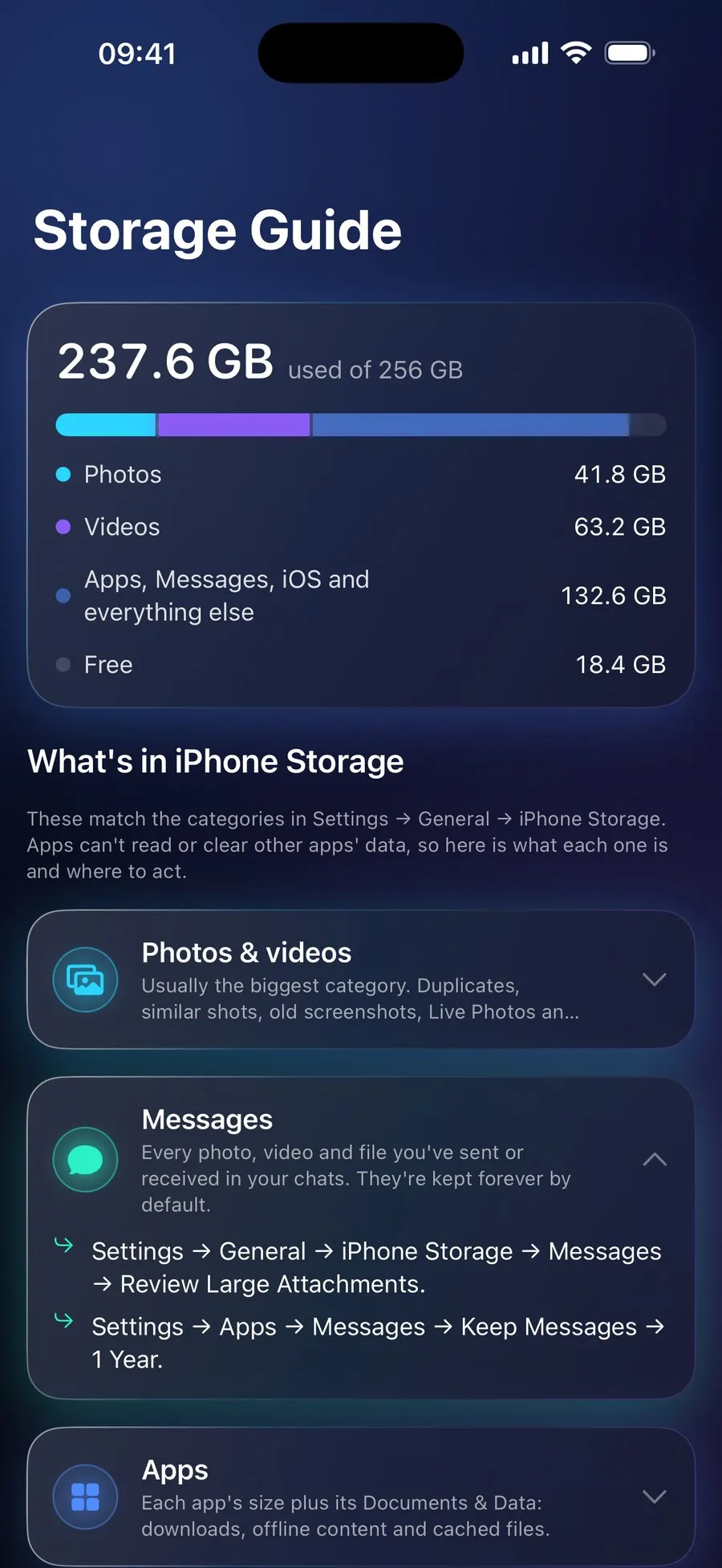
RefreshMyPhone doesn't claim to clear System Data. Its free Storage Guide explains each category in iPhone Storage, System Data, Apps and Messages included, and where in Settings to act on each one.
It works on what an app is allowed to reach: your photos, videos and the folders you choose.


On the App Store and Google Play (as Refresh: Photo & Video Cleanup). Free to scan; €9.99 a year unlocks every clean-up. The yearly plan starts with a 7-day free trial for new subscribers: on Google Play now, and on the App Store from 16 November.