
How to delete old screenshots on iPhone
In Photos, open Media Types → Screenshots. Tap Select, drag across the rows to pick many at once, and tap the bin. Do the same for Screen Recordings, which take far more space.
Delete screenshots in bulk
- Open Photos and scroll down to Media Types (on iOS 17, Albums → Media Types).
- Tap Screenshots. The oldest are at the top.
- Tap Select, then drag your finger across and down the grid to select many at once.
- Tap the bin and confirm.
Don't forget
- Screen Recordings, in the same Media Types list: a minute of recording can be larger than hundreds of screenshots.
- Recently Deleted: the space comes back only when it is emptied, after 30 days or when you tap Delete All.
With RefreshMyPhone
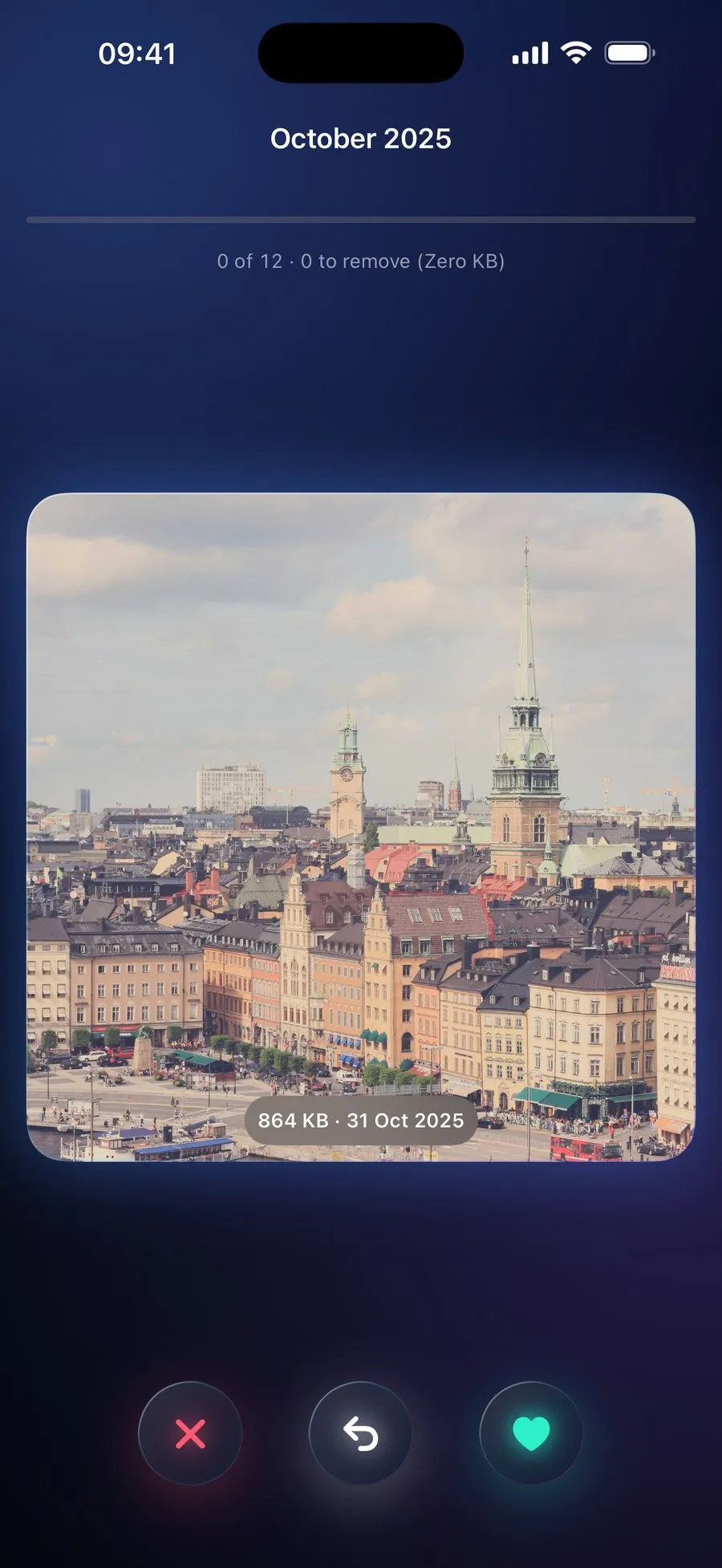
RefreshMyPhone groups your screenshots by month and filters them by age, so you can clear the old ones and keep the recent ones.
Or swipe through a month at a time, one photo after another, keeping or deleting each one.


On the App Store and Google Play (as Refresh: Photo & Video Cleanup). Free to scan; €9.99 a year unlocks every clean-up. The yearly plan starts with a 7-day free trial for new subscribers: on Google Play now, and on the App Store from 16 November.